
Expanding Your Coverage With Agents
Agent workflows can produce useful first-pass security documentation so teams are not starting from scratch.
If you poke around here, you might notice I don’t always trust LLMs, and there are lots of very hard problems our community has not solved yet around securing them. Still, it is undeniable that they can do valuable work.
Most of us have far more work available than we can complete. We also have areas where we, our teams, or collaborating teams don’t have time to produce ideal output. In my experience, it’s rare to have optimal documentation that helps with ProdSec, AppSec, and IR. Examples might include data flow, network flow, and logical diagrams, or there might be a lack of threat models and attack path mapping. What if we can use AI to kickstart the process without expecting it to be the whole process or to never make mistakes?
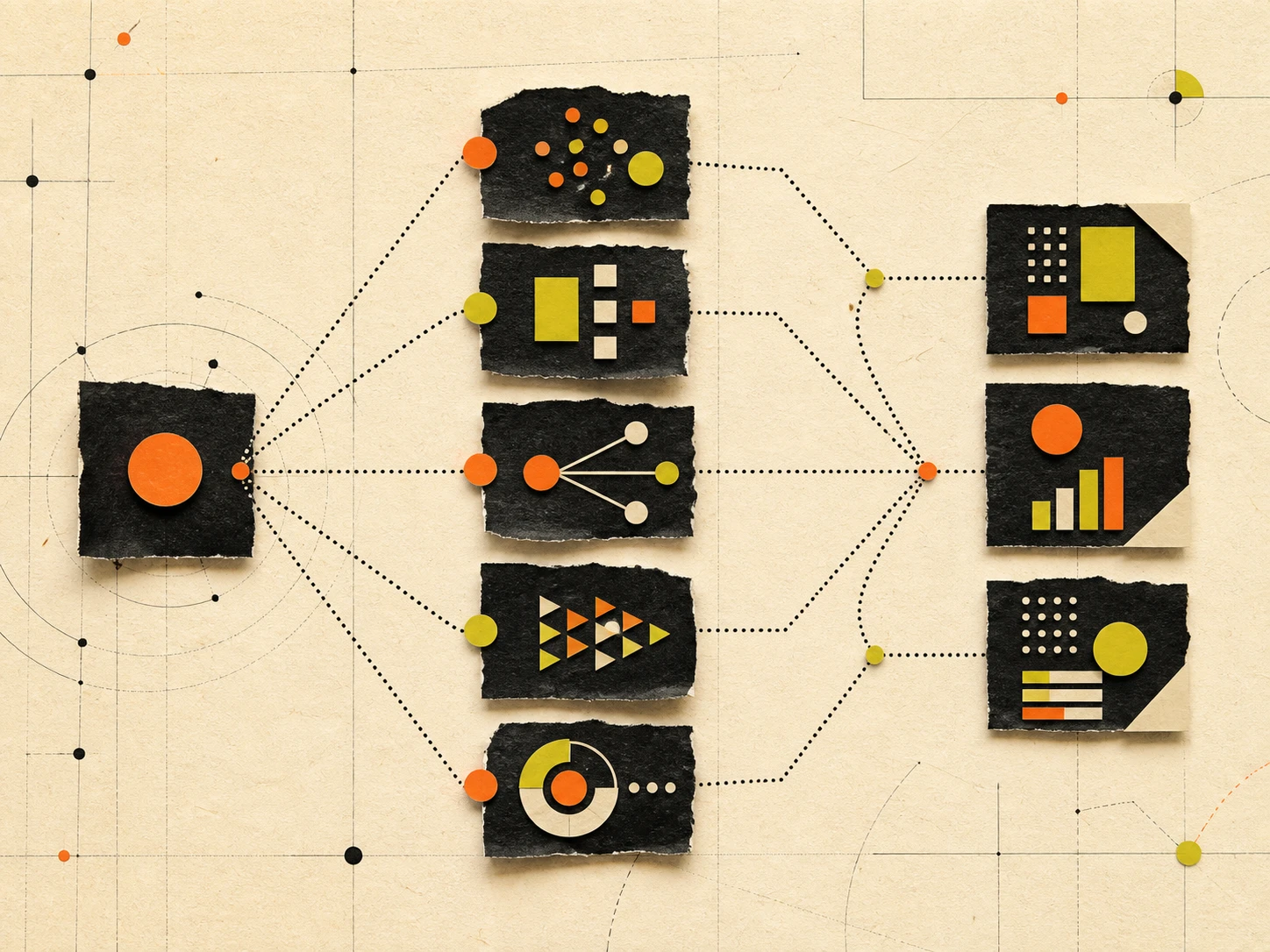
You can build workflows that let you review and automatically build this kind of output with agents. An example might look like:
Dispatch agent: Handed a task by a human operator describing desired output, ideally from a list of known outcomes. Calls upon the correct subagents, in the correct order, so they hand their work on to the next to support each other and isolate the work into small units.
Inventory agent: Reviews a repository to create a fan-out plan. This scopes work for all other workers; it doesn’t do any other work.
Security Scan agent: Reviews the codebase with whatever tools are available or installs and uses specific tools to hit your goals. May use built-in harness tooling (e.g., /security-review with Claude), open-source tooling (e.g., Trivy), corporate tools (e.g., Snyk), or even a raw SAST review based on OWASP or similar. [Pro tip: This might become several subagents (e.g., code scan, IaC, dependency scan, etc.). You want to make sure each instantiation doesn’t overrun your context window. Typically, a larger number of smaller agents work better than one trying to do too much.]
Architect agent: Builds a topology of how the codebase works. Creates the network and data flow diagrams and a manifest for other workers.
Attack Path agent: Uses the architect data and security scan data to build attack paths.
Aggregator agent: Combines outputs of multiple agents and deduplicates overlapping findings.
Refute agent [spawns once per finding]: Reviews other agents’ work. Tries to disprove all findings. Gets zero context or reasoning, just the findings.
Threat Model agent: Builds a threat model with data from various other agents.
Exec Brief agent: Produces a tidy report of everything.
Your actual ‘team’ will likely look different depending on what kinds of jobs you intend to dispatch. Realistically, it will almost certainly be much larger as you build it and fan out work (this is illustrative of my tactics, not exhaustive). Some skills may be pure Markdown while others may contain scripts that they are meant to use or examples of expected output.
It may also be useful to spend time on a creation engine, so you can build new skills cut from the same mold through a simple conversation about goals with your harness.
So now what? You have a passable network map, data flow diagram, and threat model. Is it perfect? Almost certainly not, but you and your team are not starting from scratch. You can speak to your dev and DevOps partners starting at 80% instead of ~0%. You have some idea of what the app does going into an incident where you might have been completely blind before. You might find that devs see the output and identify legitimate paths they didn’t know existed.
Let me reiterate: Do not trust the output blindly. It is a starting place and an accelerant, not a replacement for expertise!
If this sounds interesting, feel free to reach out. We’re all just explorers here in this crazy new universe.